Anonymous
08/27/2025 (Wed) 00:45
No.1268
del
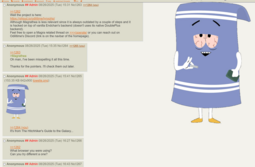
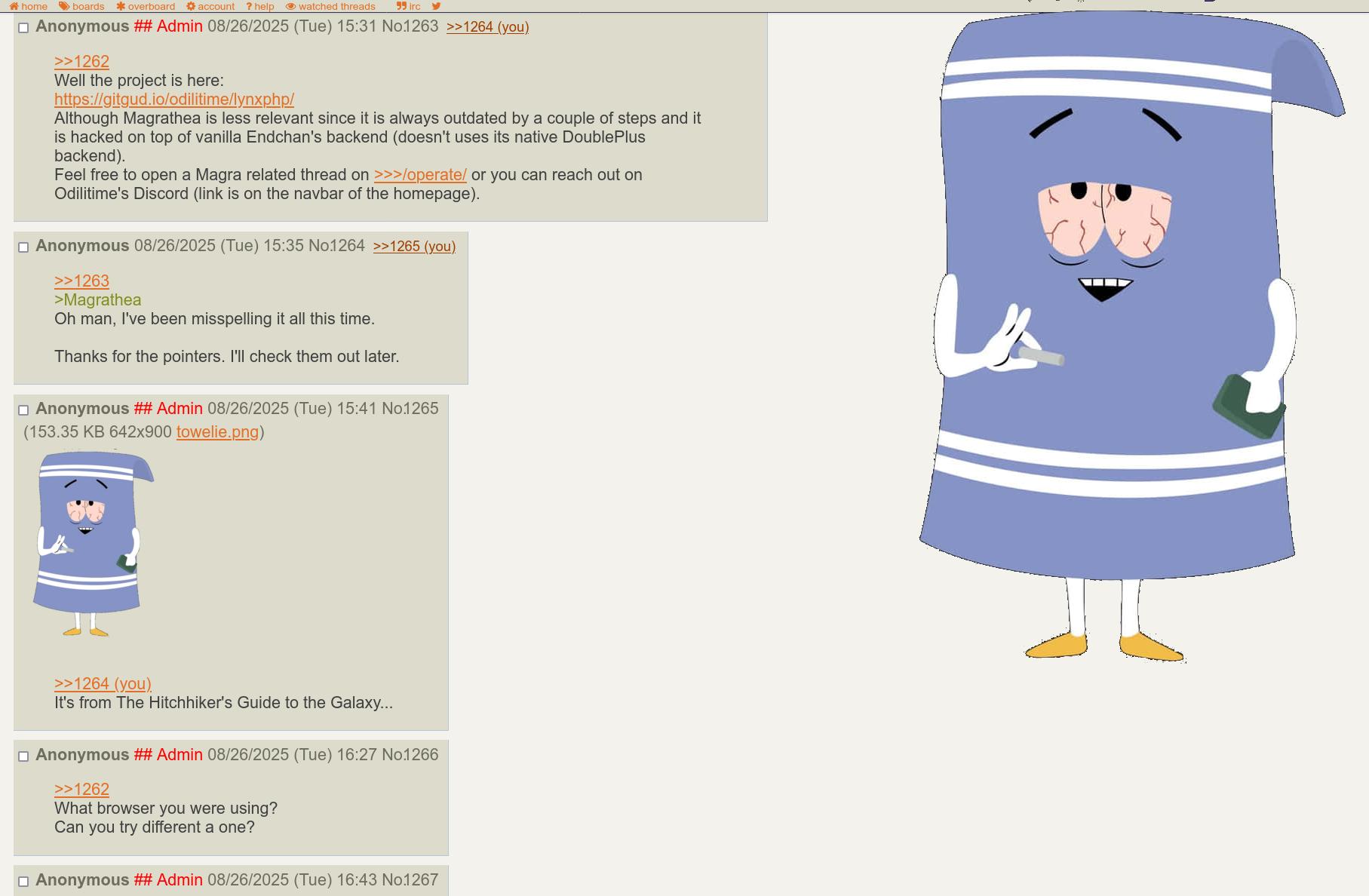
(428.20 KB
1815x1188 Screenshot 2025-08-26 at 17-43-12 _jp_ - _faaag_ - Female Announcer and Alternative General #119.2.png)
>>1261
I just whipped up a userscript that implements a way to display images on hover. It doesn't do videos yet. This is a quick proof-of-concept.
I just whipped up a userscript that implements a way to display images on hover. It doesn't do videos yet. This is a quick proof-of-concept.
// ==UserScript==
// @name        endchan.org media on hover
// @namespace   Violentmonkey Scripts
// @match       https://endchan.org/*/res/*.html*
// @grant       none
// @version     1.0
// @author      -
// @description Display media by hovering over it.
// ==/UserScript==

function createHoverMediaContainer() {
  const div = document.createElement("div")
  div.id = "hoverMedia"
  const img = document.createElement("img")
  div.appendChild(img)
  return div
}

function displayOnHover(ev) {
  const target = ev.target
  const parent = target.parentElement
  const hover = document.getElementById("hoverMedia")
  const hoverImg = hover.querySelector("img")

  //console.log(target, parent)
  if (target.tagName == "IMG" && parent.classList.contains("imgLink")) {
    hoverImg.src = parent.href
    hover.classList.add("enabled")
  }
}

function hideOnLeave(ev) {
  const target = ev.target
  const parent = target.parentElement
  const hover = document.getElementById("hoverMedia")
  const hoverImg = hover.querySelector("img")

  if (target.tagName == "IMG" && parent.classList.contains("imgLink")) {
    hoverImg.src = parent.href
    hover.classList.remove("enabled")
  }
}

const css = `
#hoverMedia {
  display: none;
  position: fixed;
  top: 0;
  right: 0;
}

#hoverMedia.enabled {
  display: block;
}

#hoverMedia img {
  max-width: 100vw;
  max-height: 100vh;
}
`

// Add CSS
let style = document.createElement("style");
style.type = "text/css";
style.appendChild(document.createTextNode(css));
document.head.appendChild(style);

// setup container for image
document.body.append(createHoverMediaContainer())

// setup event handlers
document.addEventListener('mouseover', displayOnHover)
document.addEventListener('mouseout', hideOnLeave)